Private Server
A private live map for you and your friends, the Life360 for the car community.
Get the app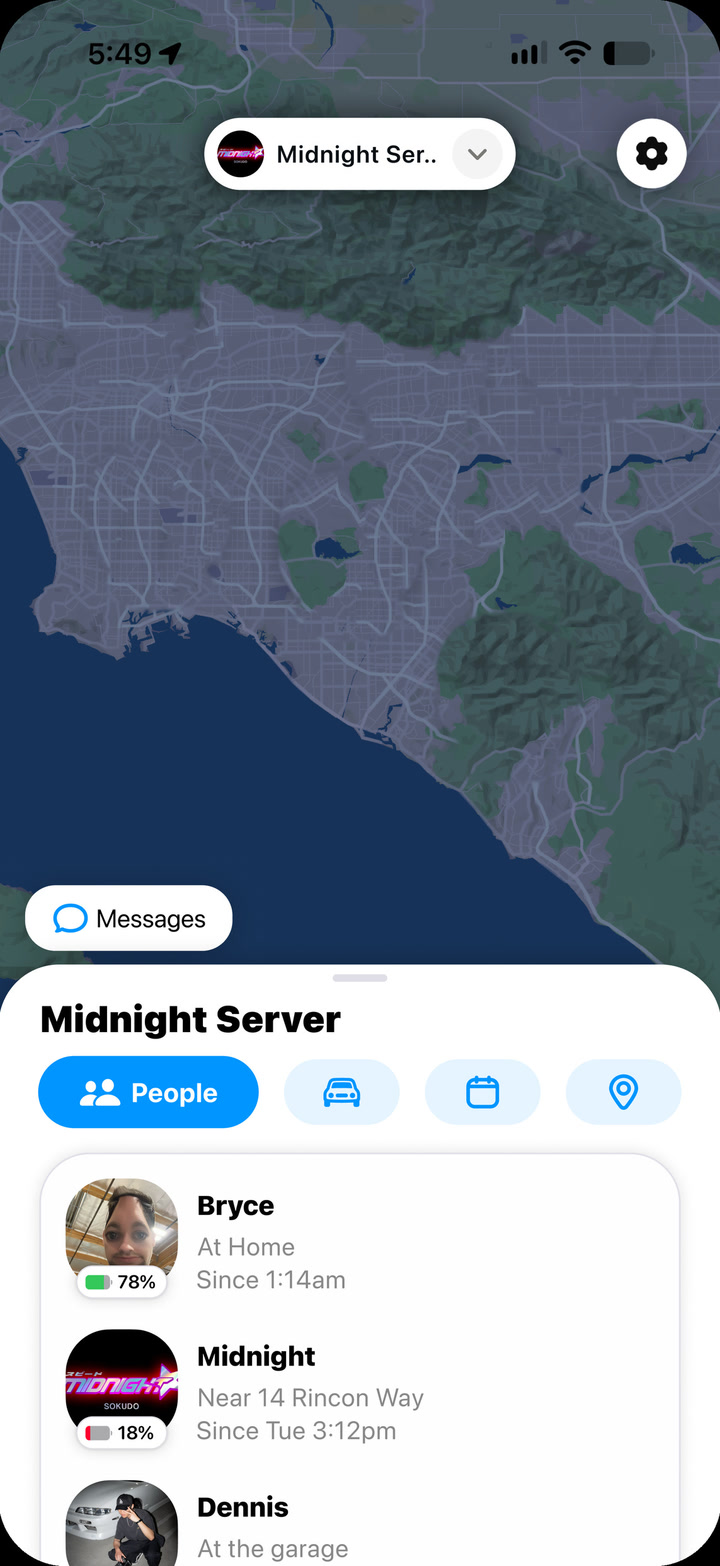




Live map.See your friends.
Everyone on one map only members can see.
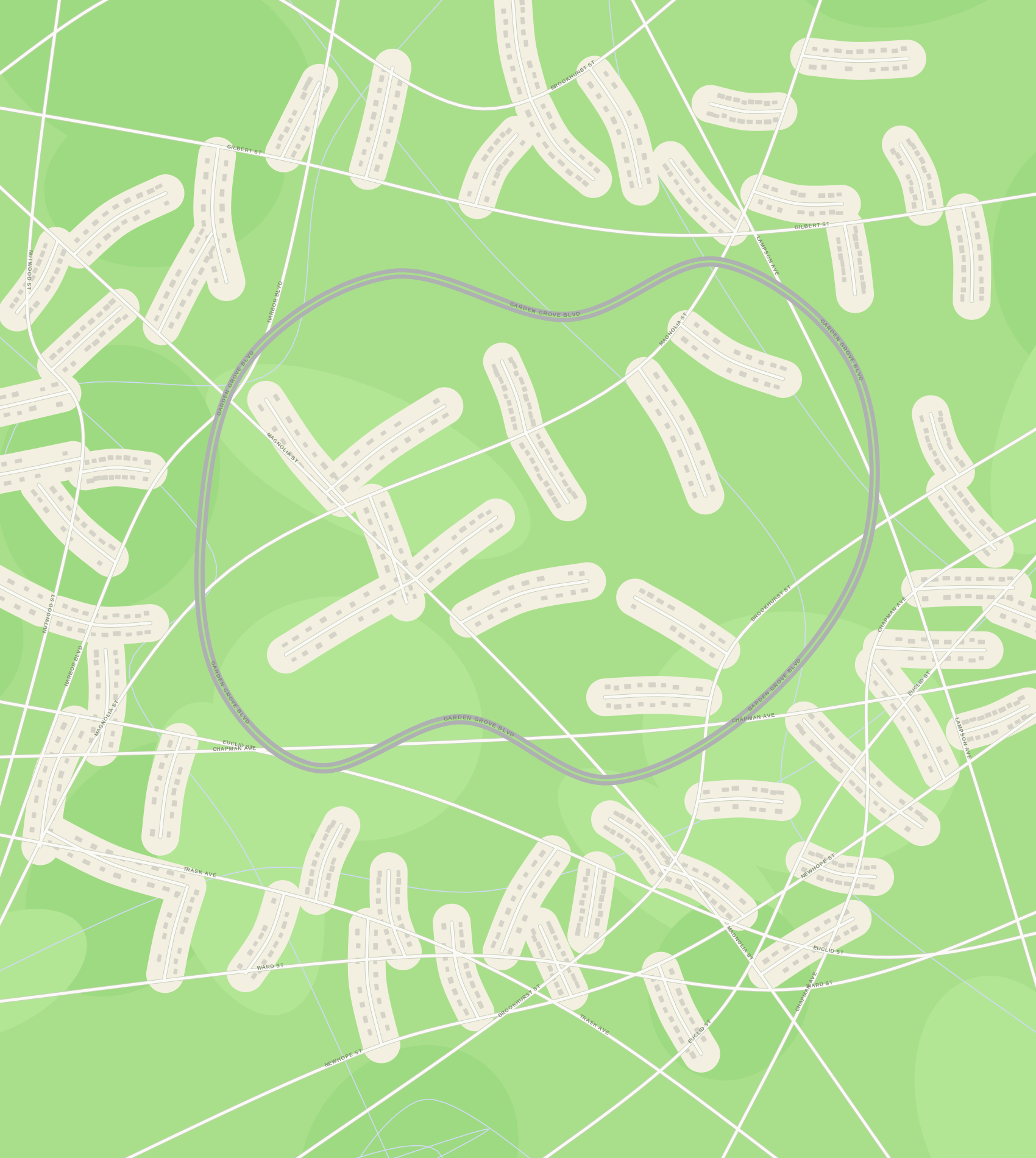
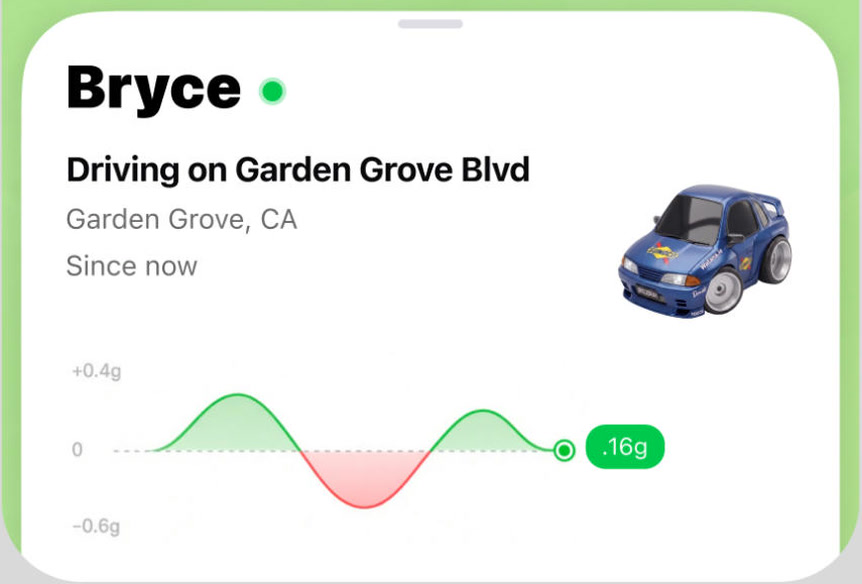
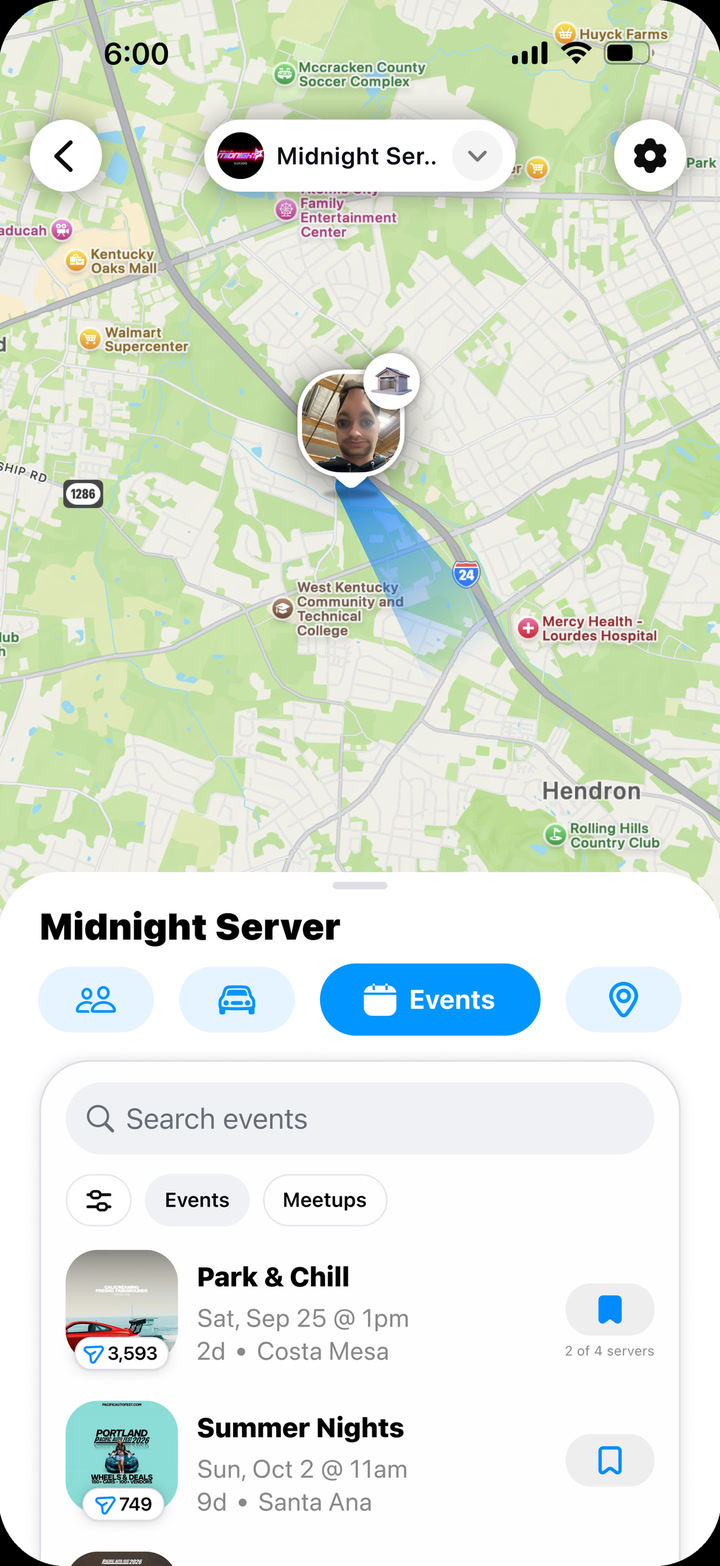
Open your server to see where each member is. When a friend drives, the map follows their car and shows their street, speed and g-force.
Privacy.You choose what they see.
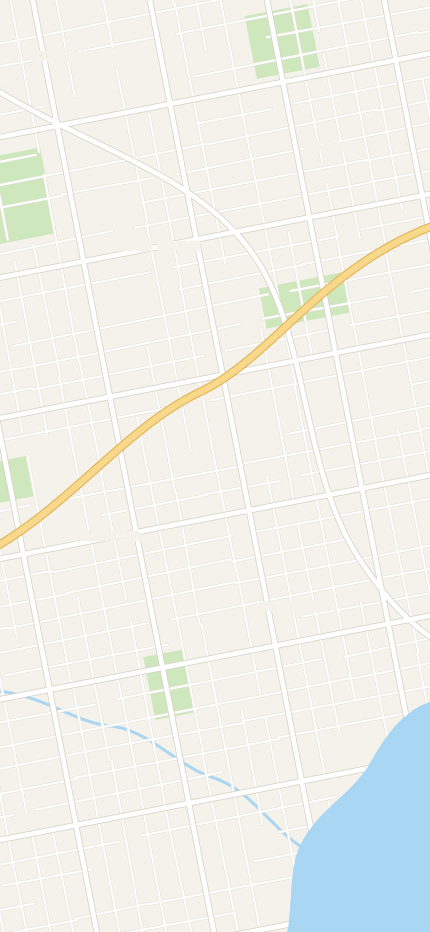
One slider, four levels. Change it any time.
Set a level for each server. Share your exact spot with close friends and only your area with a big club.
- Precise location.Friends see exactly where you are.
- General area.Friends see only your neighborhood.
- Shared places.Friends see you only at the group's places.
- Private mode.No one in the group can see you.
 More preciseMore private


Group members have access to:
- ✓Your precise location
- ✓Your drive history
- ✓Coming & Going alerts
Places.Your spots, saved.
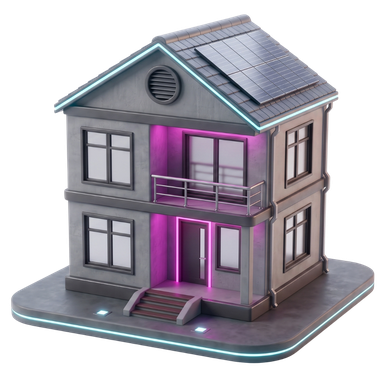
Home base, the garage, the shop. Get alerts when friends arrive.
Add work, photo locations, driving routes and favorite gas stations too. Each place has its own radius, so the server knows when someone pulls in.
 Home Base
 Garage
 Work
 Photo Locations
 Driving Routes
 Preferred Shops
 Favorite Gas Stations
Photo spots.Find your next shot.
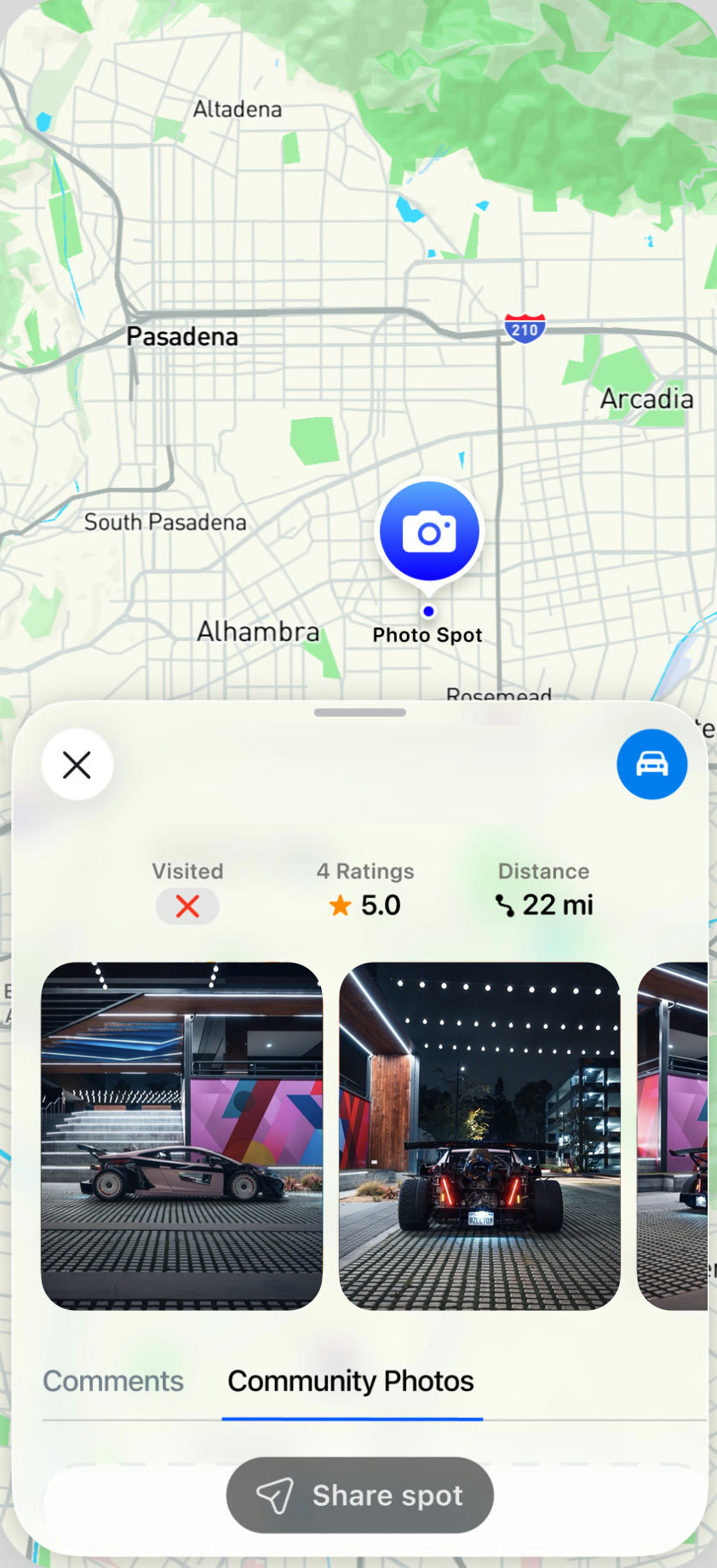
Photo locations show on your server's map.
Tap a spot to see its rating, the distance and photos other drivers took there. Share the spot with your server.
 Canvas Costa Mesa
 @bryceyeager
Drive replay.Watch any drive again.
Every drive is saved to your history.
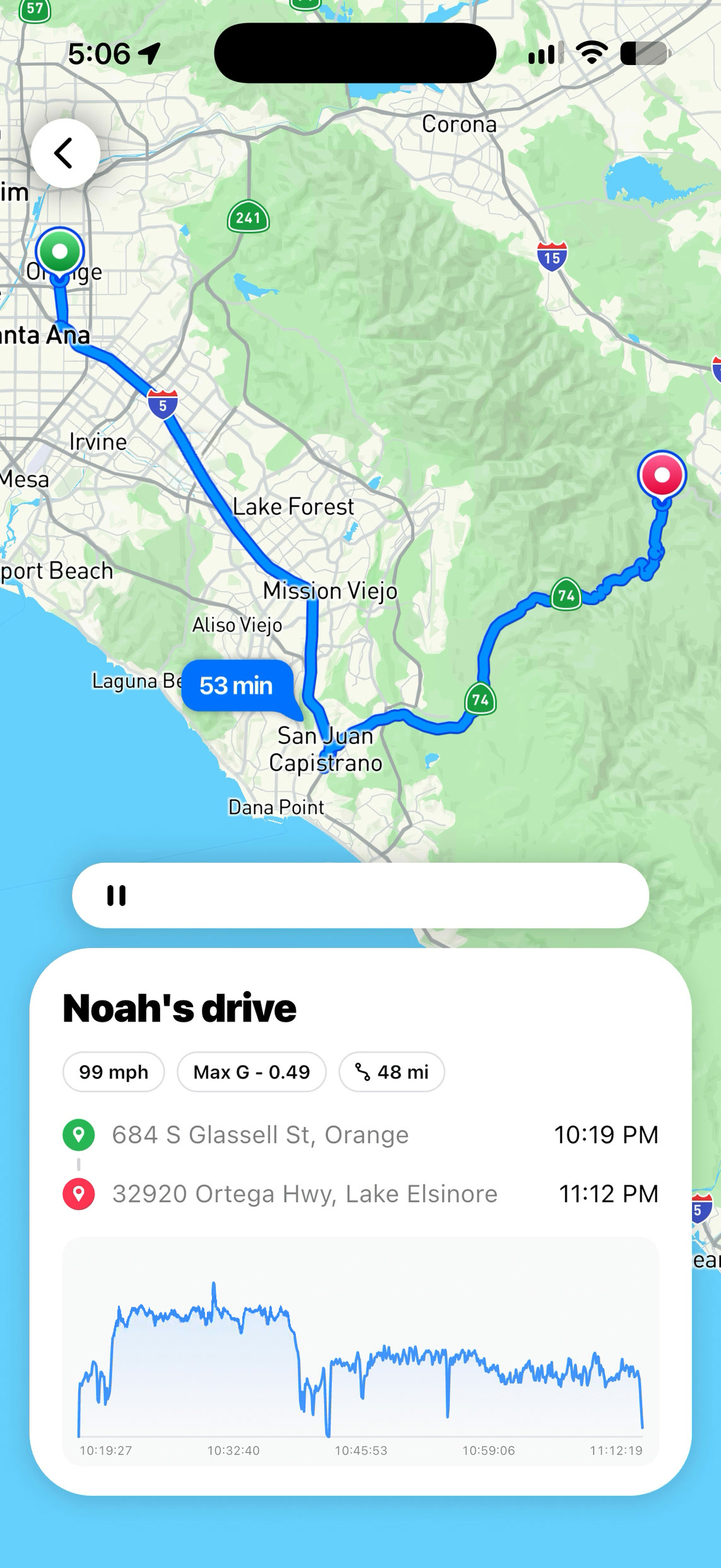
Replay your drives and your friends' drives on the map. Each one shows the route, top speed, max g-force and distance.
Weekly stats.Your week in numbers.
A fresh summary of your driving every week.
Check your drives, distance and time behind the wheel. See your peak g-force, elevation change, air displaced and energy used.







Server stats.The whole server's week.
Totals and top speeds for everyone in your server.
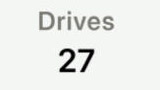
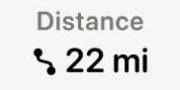
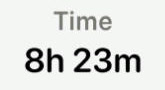
Server Totals adds up every member's drives, distance and time for the week. Top Speed shows who went fastest.
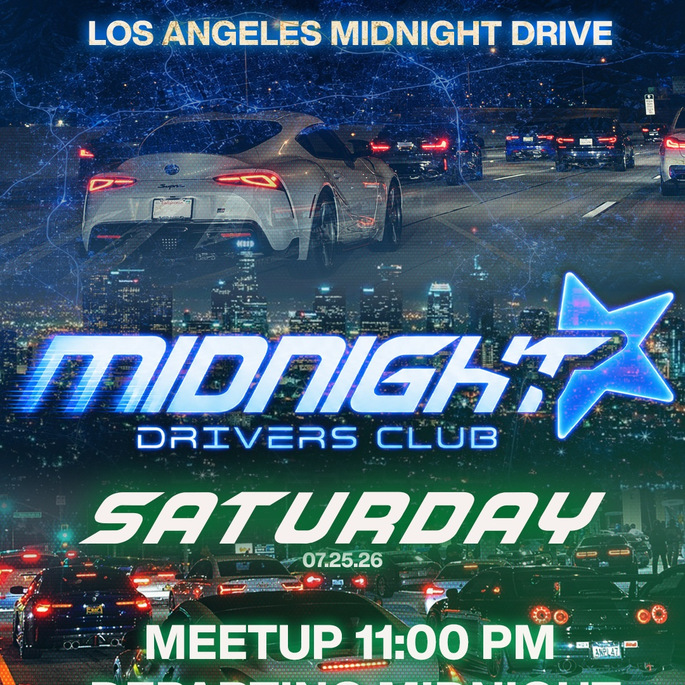
Meets.Share events with friends.
Bookmark a car meet and your whole server sees it.
Friends get a notification when you bookmark an event. See who is going, and get an alert when members arrive.



4 of your friends will be attending these events


Start a server.Three steps.
- 1Name your server.You can edit it later.
- 2Add a photo.So friends recognize you.
- 3Invite your friends.Share your join code.





Invite friends to your server


Who it's for
Private Server vs Life360
| AutoLNK Private Server | Life360 | |
|---|---|---|
| Live map of your group | Yes | Yes |
| Choose how much the group sees | Yes, four levels | Location-only groups |
| Places with arrival alerts | Yes | Yes, 2 places on the free plan |
| Built for car people and car clubs | Yes | No, built for families |
| Saved driving routes for the group | Yes | No |
| Drive replays and weekly drive stats | Yes | No |
| Car meets and shows saved to the group | Yes | No |
About Private Server
What is a Private Server?
A Private Server is a private group inside the AutoLNK app for you and your friends or car club. Everyone in the server shows up on one live map that only members can see. The server also holds the group's places, saved driving routes, drive history and the car meets the group is going to. It is free on iOS and Android and holds up to 99 members.
Who can see my location?
Only members of your Private Server, and only as much as you choose. A slider sets one of four levels for each server: Precise location, General area, Shared places or Private mode. On General area friends only see the neighborhood you are in. On Shared places they see you only when you are at one of the group's places. In Private mode no one in the group can see your location.
Is Private Server free?
Yes. Private Servers are free on iOS and Android.
How many people can join?
Up to 99 members.
What places can a group save?
Home Base, Garage, Work, Photo Locations, Driving Routes, Preferred Shops and Favorite Gas Stations. Each place has its own radius, so AutoLNK knows when someone pulls in.
Can I replay a past drive?
Yes. Every drive is saved to your drive history. Open one and press play to watch it again on the map, with a speed chart that follows along. Each drive keeps its top speed, max g-force, distance and times.
What stats does a server keep?
Each member gets a weekly summary: drives, distance, g-force, duration, elevation change, air displaced and energy. The server's Drives tab adds up everyone's drives, distance and time for the week and shows who hit the top speed.
Does it notify the group when someone arrives?
Yes. Members can get a notification when someone arrives at a shared place, arrives at or leaves home base, shows up at an event the group saved, or finishes a drive.
How do I invite friends?
After you name your server, AutoLNK gives you an invite link and a code. Share it by Messages, Instagram, WhatsApp or TikTok, or copy the link.
How is it different from Life360?
Life360 is built for families. A Private Server is built for car people and car clubs: shared garages, shops and photo spots, saved driving routes, drive stats and the car meets your group is going to.
Start your
server.
Free on iOS and Android.